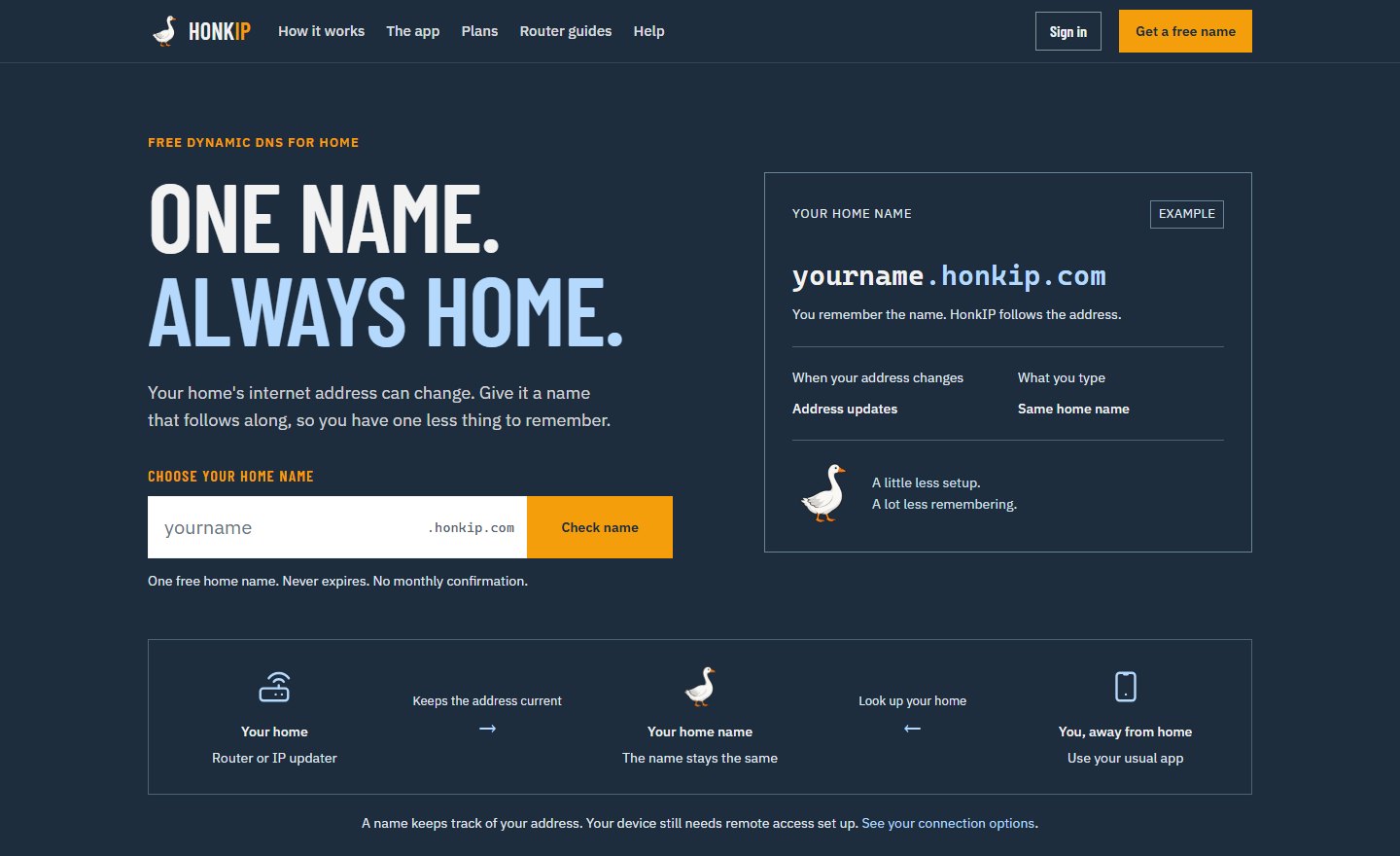
One name. Always home.
Your home’s internet address keeps changing. A HonkIP name, like yourname.honkip.com, follows it, so your cameras, NAS and game server are always one name away. Your first name is free and never expires. With HonkIP Connect you can also reach the home apps you choose, with no router ports to open.
Home, in three simple steps
Your router or the HonkIP app tells HonkIP when your address changes. Your name follows within a minute, and you type the same name every time.
- 1. Pick your home name
- Make a free account and choose a name. The site checks if it is free as you type.
- 2. Keep it up to date
- Install the Windows app and sign in, or follow your router’s guide. Either one keeps your home address current. The signed-in app needs no update key to paste.
- 3. Use it in your app
- Type your home name wherever you would normally type your internet address: your camera app, file app or game.
- No monthly check-in
- Many free services make you click a link every month or lose your name. HonkIP does not.
- Router guides
- Typed steps for TP-Link, ASUS, MikroTik, Huawei, FRITZ!Box, UniFi, Synology and more. If a router cannot send secure updates, the Windows app does it instead.
Your name, your home
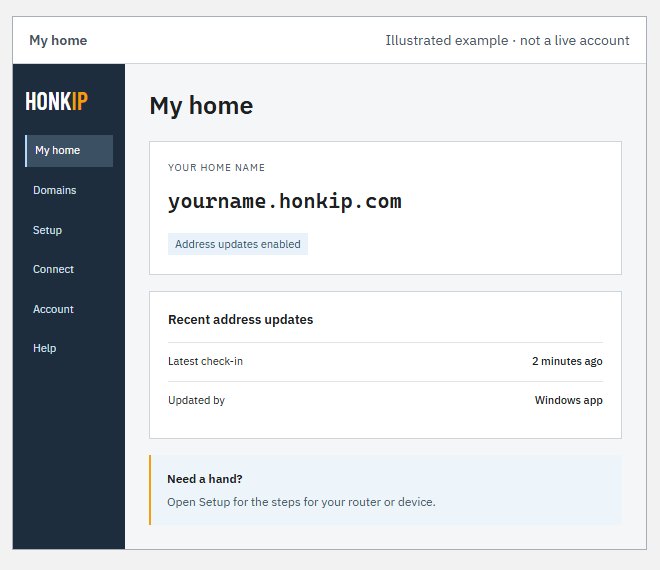
My home shows your home name and when it last checked in, so you can see at a glance that it is working. Setup has the steps for your router or device, and Domains holds any domain you own.
Reach your home apps from anywhere
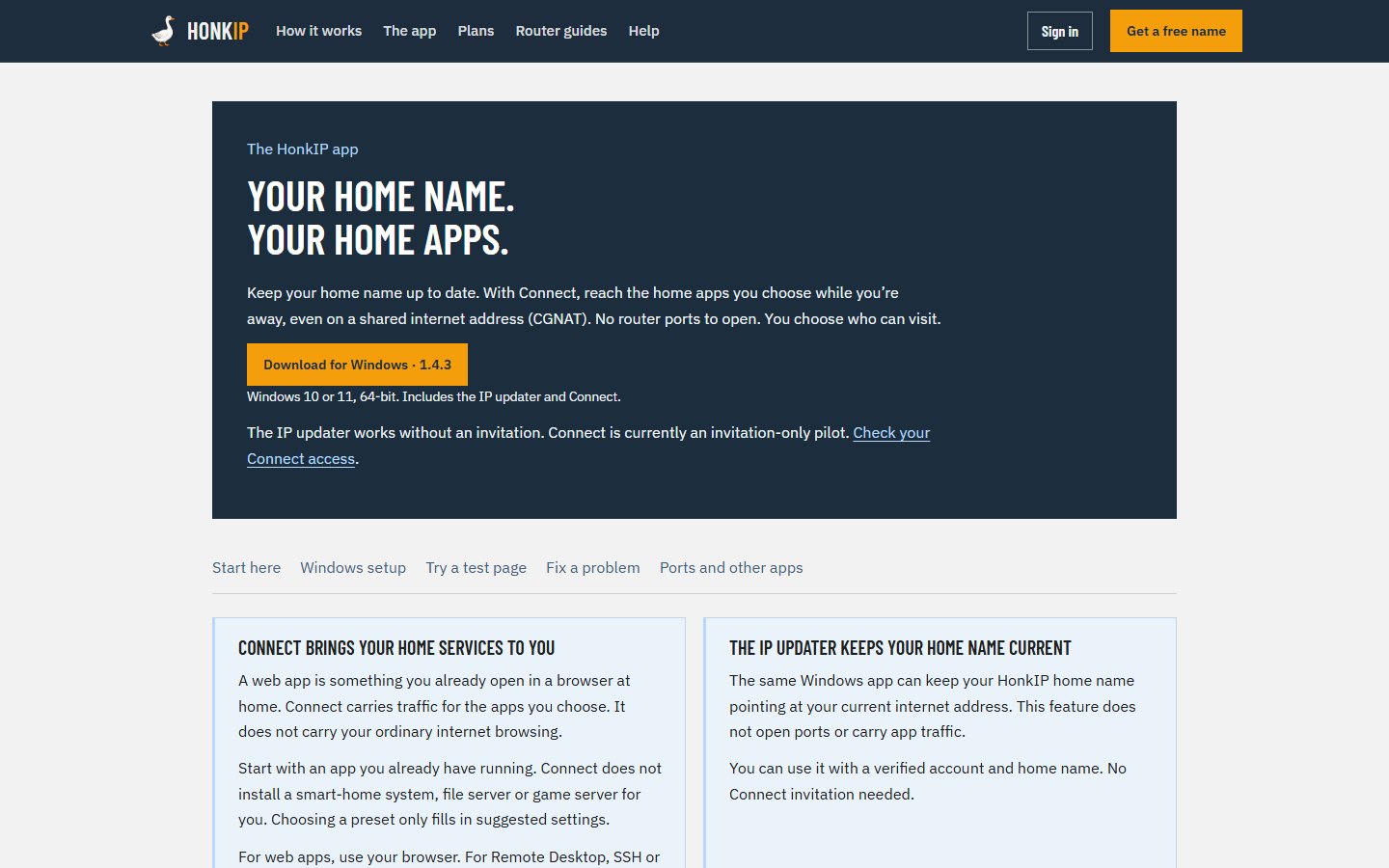
Connect carries the home apps you choose to wherever you are, even on a shared internet address (CGNAT), where opening a router port is not possible. It does not carry your ordinary browsing.
- No ports to open
- The HonkIP app on a home PC connects out to HonkIP, so nothing on your router has to change.
- Web apps in your browser
- A home dashboard, NAS page or camera viewer opens at its own address, like files.yourname.honkip.com.
- Other apps too
- Remote Desktop, SSH and supported game servers use their own app, with the address Connect shows you.
- You choose who can visit
- Private for only you, a password you share, or open. Pause access whenever you need to.
- Easy to set up
- Sign in with a code, pick a name, paste the local address of the app, then Test local app and Save & connect. A temporary test page helps you try it first.
- Your own domain
- Put a service under a name you own. HonkIP shows the DNS records to add and checks you own the domain.
Connect is an invitation-only pilot. The IP updater in the same app works on every plan without an invitation.
Start free, keep your options open
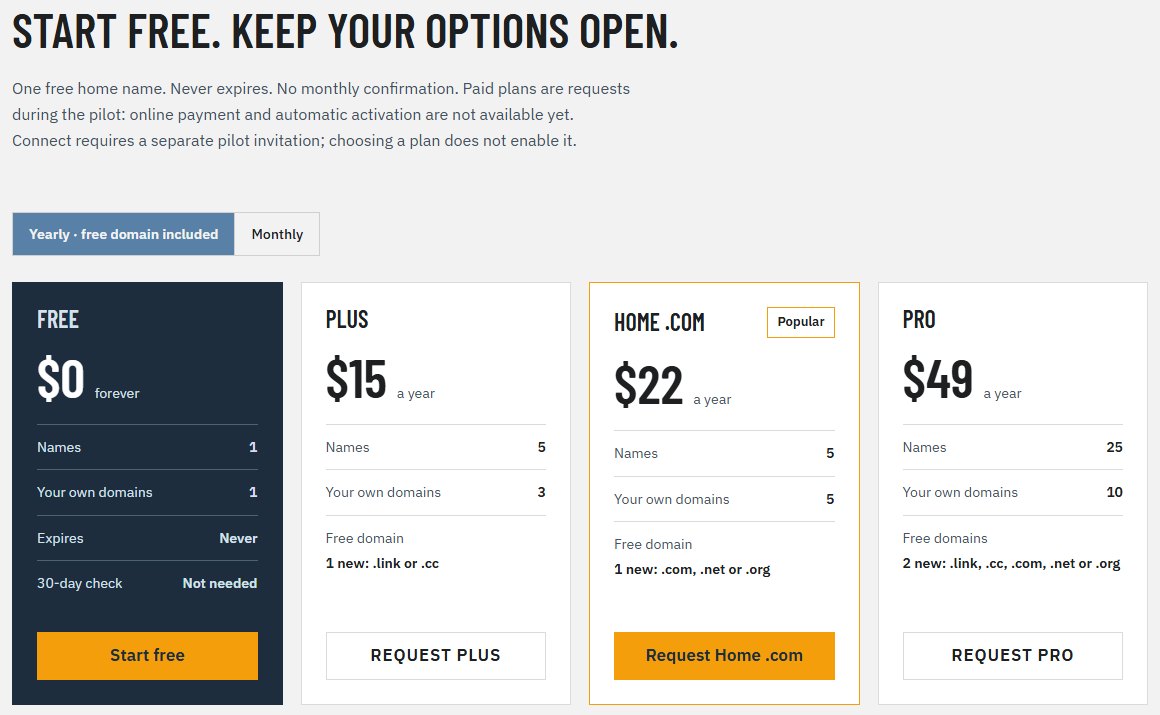
One free home name that never expires. Pay only for more names, your own domains or a free new domain with a yearly plan. During the pilot, paid plans are requests: online payment is not open yet.
- Free
- $0. One name and one of your own domains. No card, never expires.
- Plus
- $1.99 a month or $15 a year. 5 names and 3 of your own domains. Yearly adds a free new .link or .cc domain.
- Home .com
- $22 a year. 5 names, 5 of your own domains, and a free new .com, .net or .org.
- Pro
- $4.99 a month or $49 a year. 25 names and 10 of your own domains. Yearly adds 2 free new domains.
- Free domains
- A free domain stays free while the plan is paid yearly. If you cancel, it stays yours until it expires.